Create your account and subscribe
Follow these steps to create your OpenKBS account and access the platform.
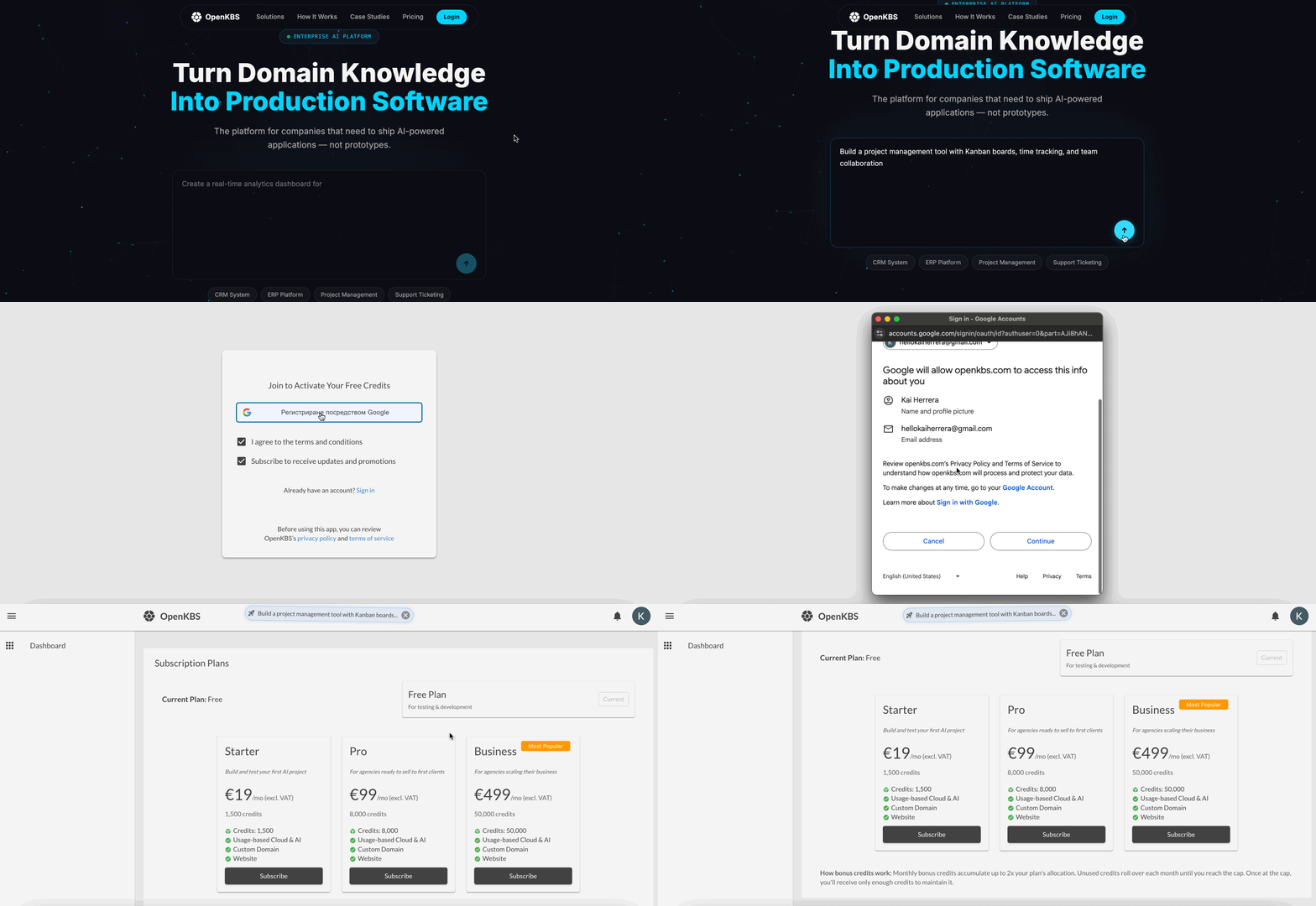
Create your account
- Visit openkbs.com.
- Click Sign up, Log in, or enter a prompt to get started.
- Accept the Terms of Service.
- Log in using your Google account.
- Welcome to OpenKBS.
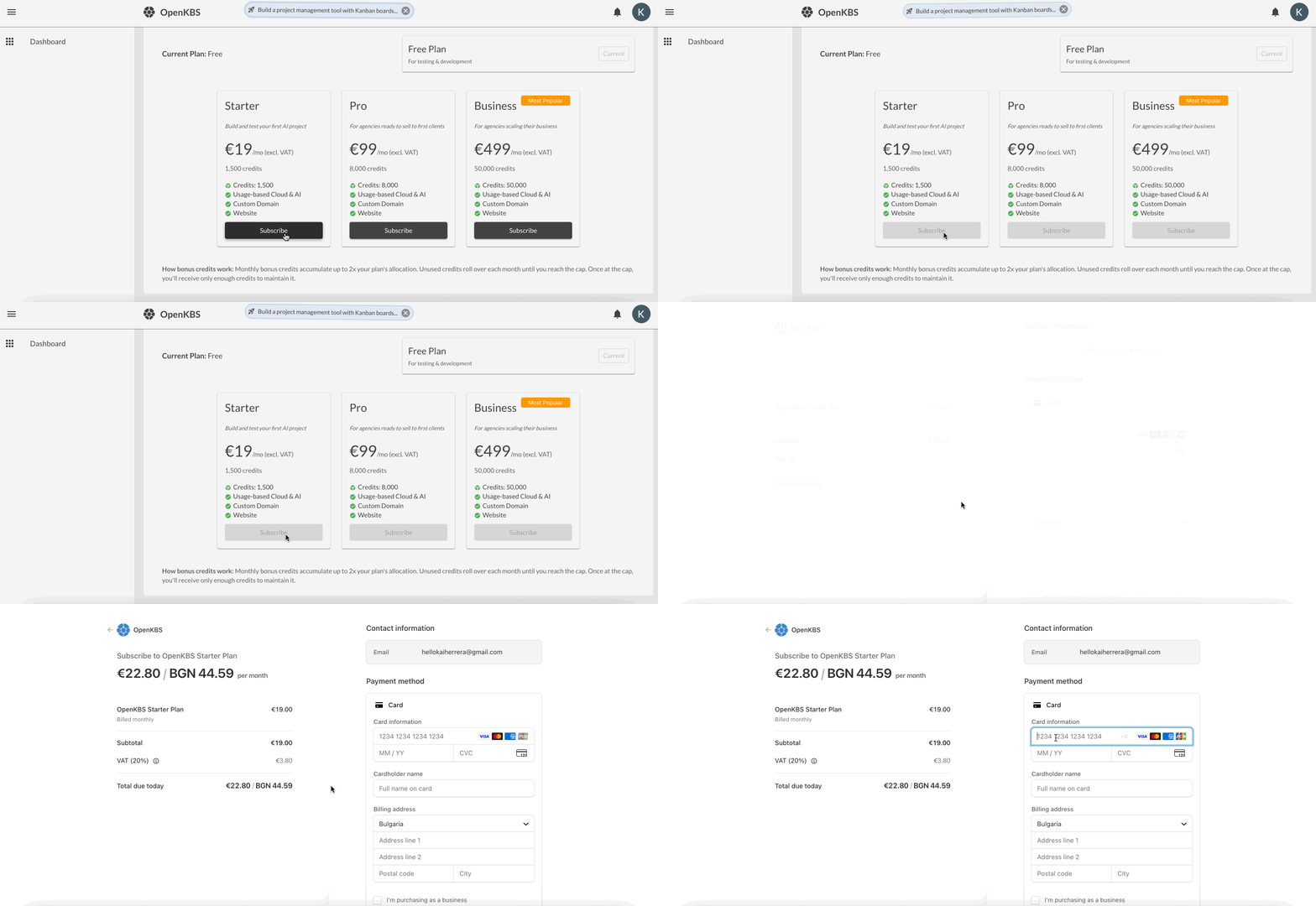
Subscribe
- Choose a plan.
- Click Subscribe.
- Pay securely via Stripe.